
Video
How To Save Easy Daily Checklist To Your Task Bar
How to install Easy Daily Checklist as a real Windows app and pin it to your taskbar — so your daily checklist opens with one click every morning. Takes about two minutes.
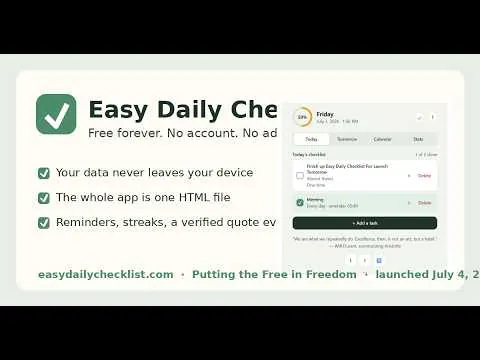
Easy Daily Checklist is a completely free daily checklist and habit tracker app — no account, no email, no subscription, no ads, no cookies. Your data never leaves your device. Get it free: https://easydailychecklist.com
WHAT'S IN THIS VIDEO
- Finding the install button in Chrome (the little green checkmark at the right end of the address bar)
- Installing Easy Daily Checklist as its own app — clean window, no tabs, no address bar
- Pinning the green checkmark to your Windows taskbar
- Bonus: making it open automatically every time you sign in to your computer
MORE WAYS TO GET THE APP
Use it free in any browser: https://easydailychecklist.com
Download the single-file app (works offline, yours forever): see "How do I get the app?" on the site
The full story of why it's free: https://easydailychecklist.com/about.html
Built by Andrew "Easy" Anderson and launched July 4, 2026—America's 250th birthday. Free forever.
Ask me why I put these here later. :)
Putting the Free in Freedom. USA
#dailychecklist #habittracker #windows11 #freeapp
For more on health, wealth, and happiness, visit https://TheLongerCrowbar.com